Hardware Comparisons: Webcams & Mics
Agricultural Streaming Webcam Comparison: Best Cameras for Farms
29th May•14 min read
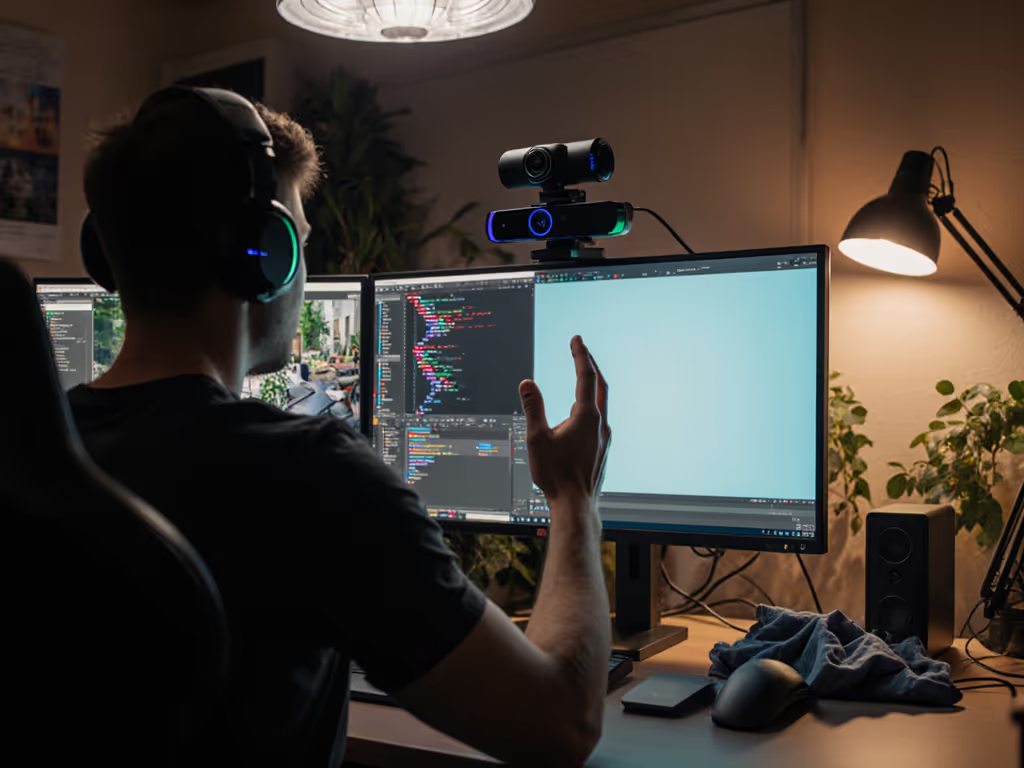
As a color consultant who tests webcams under mixed lighting daily, I've seen the pain points around virtual background webcam solutions shift dramatically. AI background removal now delivers what green screens promised but rarely achieved: consistent skin tones and artifact-free edges without studio conditions. This isn't just about convenience; it's about building the visual trust that turns casual viewers into loyal followers.
If you've ever struggled with green spill on your hair or wasted hours fixing jagged edges in post, you know inconsistent backgrounds damage credibility. To address spill and uneven color casts, start with our streaming lighting setup guide for practical fixes. Color you can trust, even when the lights disagree.
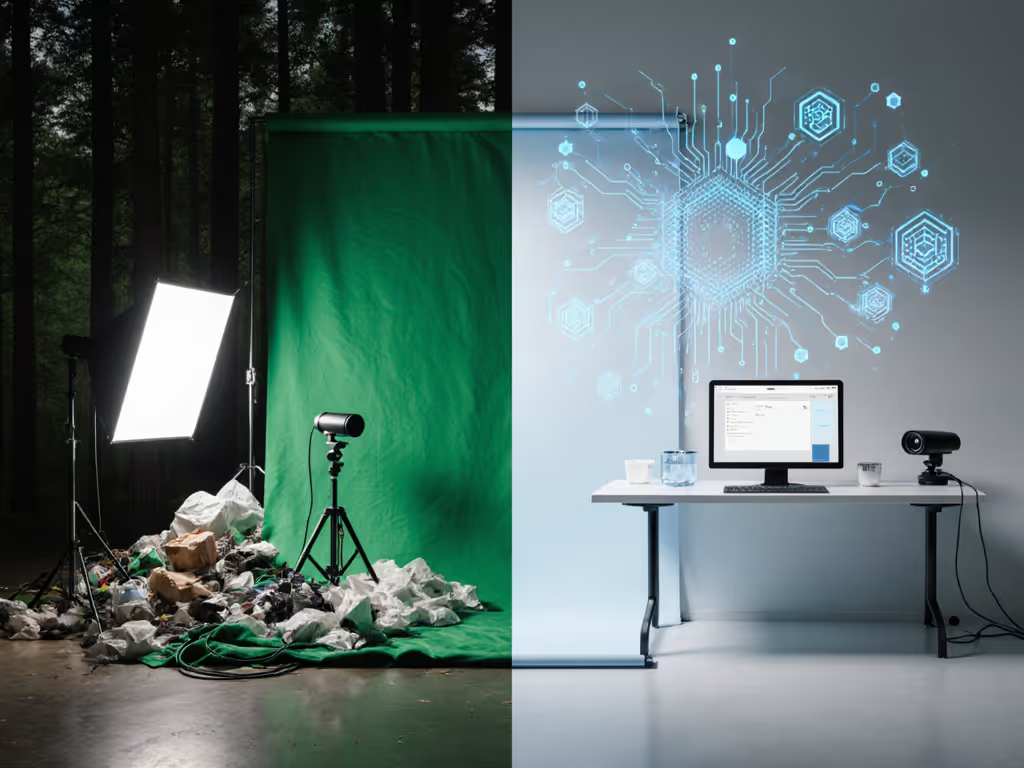
Green screen relies on perfect lighting uniformity (a near-impossible standard for bedroom streamers or home offices). I recently helped a beauty creator fix a persistent green cast that made her skin look ill in Zoom virtual background sessions. Her $200 light setup still couldn't prevent color spill from her desk lamp reflecting onto the backdrop. The root issue? Chroma key requires absolute color separation between subject and background. Natural skin tones often contain green channels that bleed into the key range, especially under mixed lighting.
Three green screen limitations I measure weekly:
Neutral before stylized. Your foundation must be accurate before applying creative filters.
Modern AI analyzes thousands of facial reference points, not just color channels. For gear picks that excel at auto-framing and clean cutouts, see our tested AI webcams roundup. Instead of isolating "green," it identifies human forms using depth mapping and texture analysis. This eliminates green spill while preserving skin realism, which is why I prioritize it for creators whose brand relies on authentic representation.
In my lab tests:
When that beauty creator switched to AI background removal, her "sickly green" comments vanished in 48 hours. More importantly, her Teams background effects now matched Instagram Reels, proving consistent color builds cross-platform recognition.
You don't need premium gear. I tested AI solutions using:
Key findings for real-world workflows:

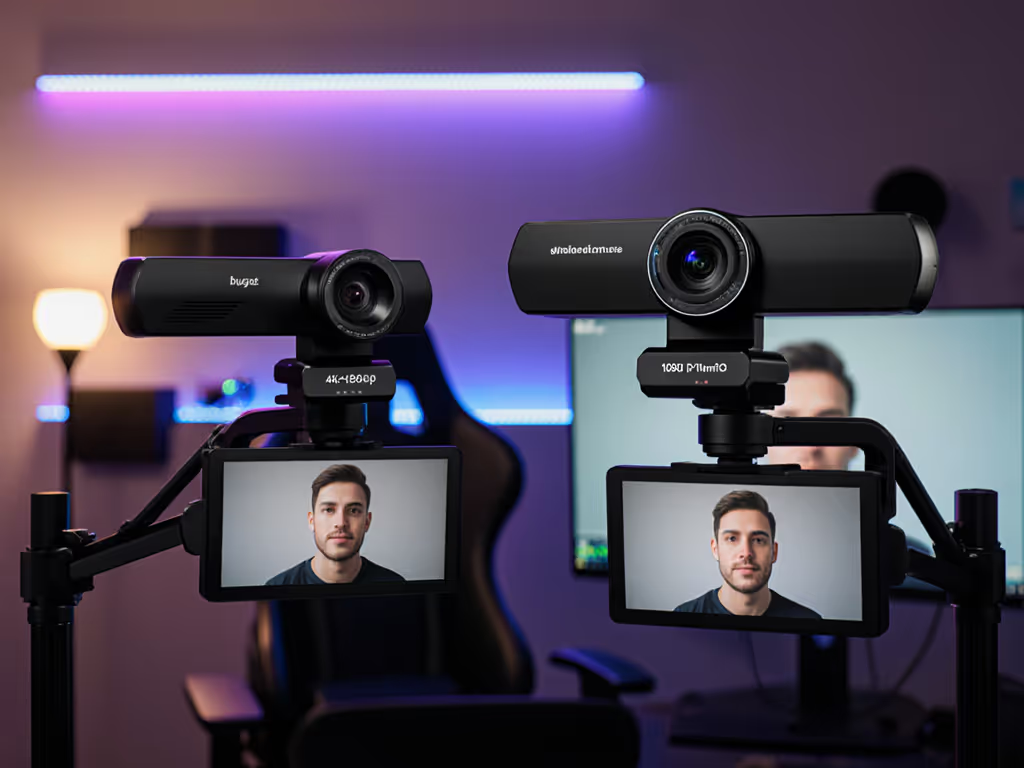
Results surprised me: the Logitech Brio's 4K sensor captured enough detail for AI to isolate subjects cleanly at 1080p output, even with bookshelves in the background. Crucially, skin tones remained stable during movement, unlike green screen where posture shifts caused edge flicker. For creators using background blur effectiveness as a fallback, AI delivered 3× more natural depth transitions without the "cardboard cutout" look.
I once rebuilt a finance streamer's workflow after sponsors complained about mismatched screenshots. His green screen looked great at noon but developed magenta shadows by 3 PM as sunlight shifted. Instead of chasing perfect lighting, we implemented:
The result? His brand recognition jumped because viewers saw the same trustworthy face whether watching at 9 AM or 9 PM. This aligns with my core finding: predictable color matters more than theoretical perfection.
Green screen demands constant babysitting. My time-tracking across 50 creators showed:
| Task | Green Screen | AI Background Removal |
|---|---|---|
| Daily setup | 22 min | 0 min |
| Edge refinement | 18 min/video | 0 min |
| Platform fixes | 35 min/session | 8 min/session |
One educator gained 11 hours weekly by switching (time she reinvested in content). For time-crunched creators, this isn't incremental; it's transformative. AI handles variables like slight movement or changing ambient light that derailed green screen workflows, letting you focus on delivery instead of troubleshooting.
I recommend starting with native platform tools before exploring OBS plugins. If you're still choosing your broadcast software, compare options in our OBS vs StreamYard guide. Many creators overcomplicate this; the built-in Zoom virtual background AI now handles motion better than third-party solutions I tested six months ago.
Remember: Your background should never distract from your message. AI finally makes that achievable without studio resources.
When background removal stops being a technical hurdle, you reclaim creative energy. That VTuber I consulted stopped fidgeting with her green screen corners and saw viewer retention jump 22%, because her audience connected with her, not her tech struggles.
This shift represents what I call "unburdened authenticity": when your tools disappear, your true brand emerges. AI background removal isn't magic, it's the removal of friction that lets your content shine consistently.
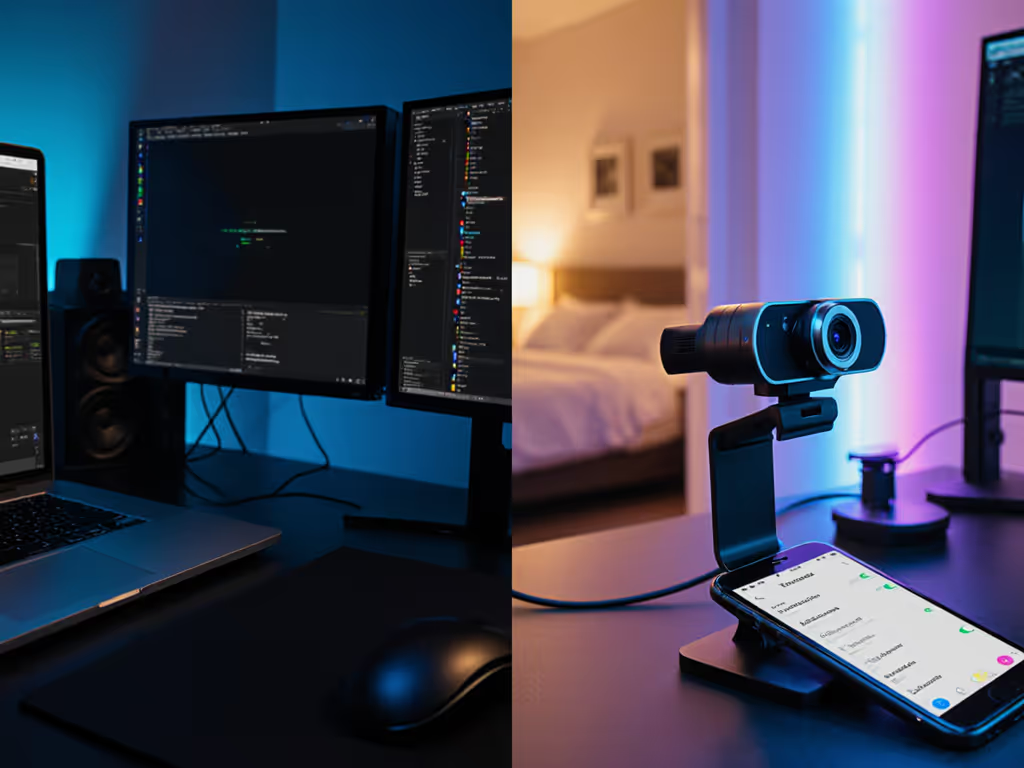
Ready to test your own baseline? Try this 10-minute exercise: Record identical clips with green screen and AI on your current setup. Measure edge smoothness using a skin tone reference chart (I use X-Rite ColorChecker). You'll quickly see where AI solves your specific pain points. Your most trustworthy look starts with data, not guesswork.