Webcam Recycling Guide for Truly Sustainable Streaming
By Lena Novak • 12th Jan
As a streamer who tests gear under actual broadcast conditions, I've seen too many creators chase the "next big thing" only to stash last year's webcam in a drawer until it gathers dust. That cycle hurts both your wallet and the planet. When I talk about webcam sustainability, I'm not just addressing the environmental impact of electronics, I'm connecting it directly to what matters most to you: building a professional, reliable stream that audiences trust. Because eco-friendly streaming isn't just about feeling good, it's about ensuring your tech decisions today don't undermine your credibility tomorrow. If it fails live, it fails the brief. Full stop.
Why Your Webcam's End-of-Life Matters More Than You Think
Scenario-first thinking means looking beyond frame rates and low-light performance to the complete lifecycle of your gear. Start by stretching the life of your current camera with our webcam maintenance guide. That webcam gathering dust in your desk drawer? It contains lithium batteries, circuit boards with lead solder, and plastics that release microplastics as they degrade. When improperly disposed of, these toxins leach into soil and water, contaminating ecosystems far beyond your streaming setup.
Consider this: the average creator replaces their webcam every 18-24 months as new models promise better autofocus or "AI" noise reduction. Each discarded unit contributes to e-waste, the world's fastest-growing waste stream. But here's the hopeful truth: recycling just one webcam recovers valuable materials like copper and aluminum, reducing the need for environmentally destructive mining operations.
The Creator's Double Win
When you responsibly recycle your old webcam, you're not just preventing environmental harm, you're protecting the communities your content serves. Many streamers I mentor care deeply about their audience's wellbeing but don't connect their tech disposal habits to broader environmental justice issues. Electronic waste often ends up in developing nations where informal recycling exposes vulnerable populations to toxic chemicals.
By making conscious disposal choices, you:
- Prevent hazardous materials from entering water systems.
- Conserve natural resources for future tech generations.
- Support the circular economy that keeps prices lower for new gear.
- Model responsible behavior that resonates with your audience.
Your Actionable Webcam Recycling Guide
Step 1: Prepare Your Device for Responsible Disposal
Before handing over your webcam, take these creator-specific precautions:
-
Wipe all data completely: Unlike consumer electronics, many webcams store calibration profiles and custom settings. Reset to factory settings, then remove any SD cards or internal storage. For absolute security, physically remove the memory chip (if accessible) before recycling.
-
Remove batteries: Lithium-ion batteries require separate recycling streams. Leave them in only if the recycling center specifies they'll handle extraction.
-
Document your setup: Take photos of your OBS or streaming software configurations. This saves hours when setting up your replacement (proving that sustainable practices actually reduce future setup time).
Step 2: Find the Right Recycling Pathway
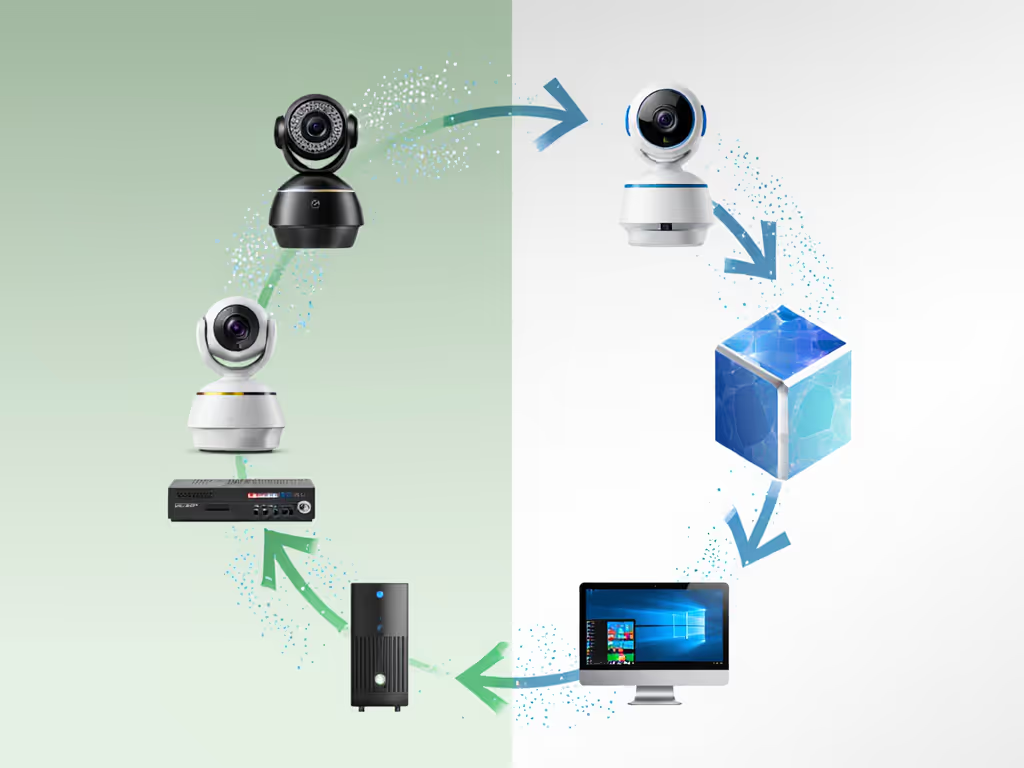
Not all "recycling" options are equally trustworthy. Many facilities simply export e-waste to countries with lax environmental regulations. Here's how to ensure your webcam gets properly processed:
-
Certified electronics recyclers only: Look for R2 (Responsible Recycling) or e-Stewards certification. These programs verify that recyclers follow strict environmental and data security protocols.
-
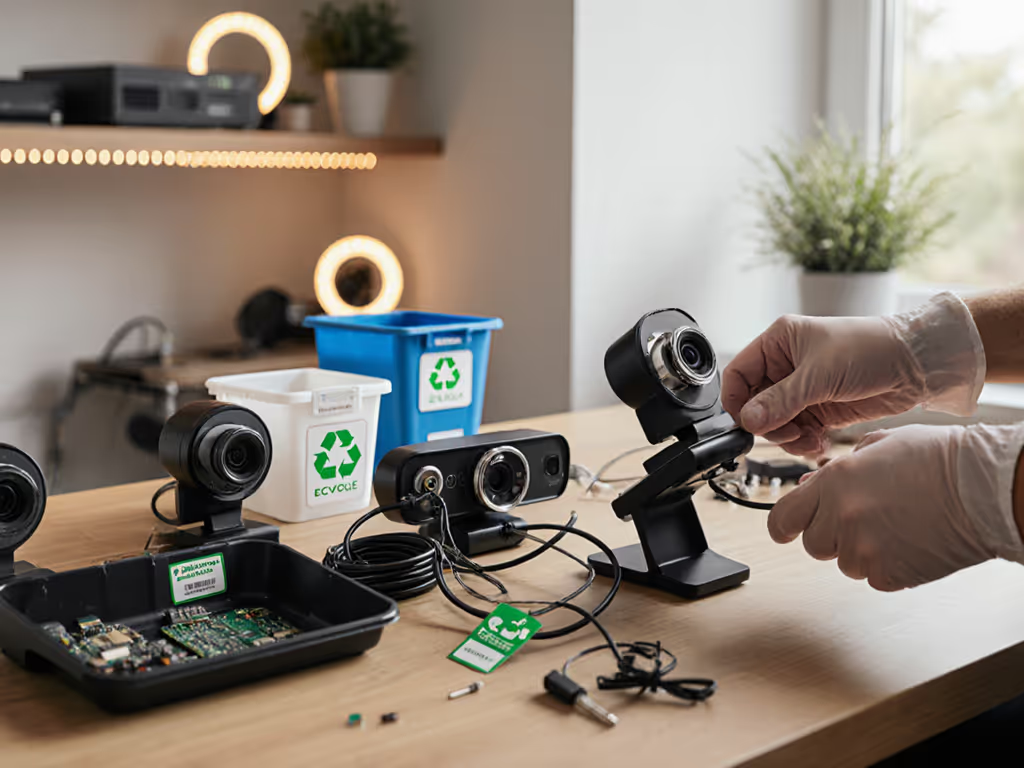
Manufacturer take-back programs: Most major webcam brands (Logitech, Razer, Elgato) offer free mail-in recycling. I recently mailed my failed autofocus test unit back to Logitech, their program includes free shipping and a recycling certificate.
-
Retailer drop-offs: Best Buy, Staples, and Office Depot accept small electronics at all locations. Call ahead to confirm webcam acceptance.
-
Local e-waste events: Check your municipality's website for quarterly collection days. These often accept items that retail drop-offs won't.
Step 3: Understand the Actual Recycling Process
When you drop off your webcam, here's what happens behind the scenes (based on my facility tour with a certified recycler):
- Data destruction: Hard drives are degaussed or physically shredded.
- Disassembly: Units are manually taken apart to separate components.
- Material separation: Metals, plastics, and circuit boards are sorted using water flotation and magnetic separation.
- Refining: Valuable materials are extracted for reuse in new products.
This process ensures 95% of your webcam's materials get another life, either as new electronics or construction materials. The 5% residue is safely stabilized to prevent environmental contamination.
Building Sustainable Streaming Practices That Actually Work
Extend Your Webcam's Lifespan Strategically
As someone who pressure-tests gear under live conditions, I've found creators can double their webcam's useful life with three simple practices:
- Clean sensor maintenance: Use microfiber cloths and proper cleaning solution weekly (not alcohol-based cleaners that damage coatings).
- Stable mounting: Prevent physical damage by using vibration-dampening mounts.
- Controlled usage cycles: Avoid leaving webcams powered on 24/7, this extends sensor and component life.
When you maximize your current gear's lifespan, you're not just saving money, you're preventing premature e-waste. I recently helped a beauty streamer fix autofocus issues through proper lighting setup rather than replacing her webcam, extending its life by 14 months.
Make Your Next Purchase with End-of-Life in Mind
When testing new webcams, I now prioritize models with: Not sure why this matters? Read how firmware updates improve streaming stability.
- Modular designs that allow component replacement.
- Brands with transparent recycling programs.
- Longer firmware support cycles (indicating commitment to product longevity).
This isn't about sacrificing performance, it's about demanding gear that delivers on its promises throughout its entire lifecycle. For longer-term planning, use our future-proof webcam strategy to pick models that stay relevant and reduce upgrade churn. Because sustainable streaming practices shouldn't mean compromising your broadcast quality.
Your Next Step Toward Truly Eco-Friendly Streaming
This weekend, pull that old webcam from your drawer and complete these two actions:
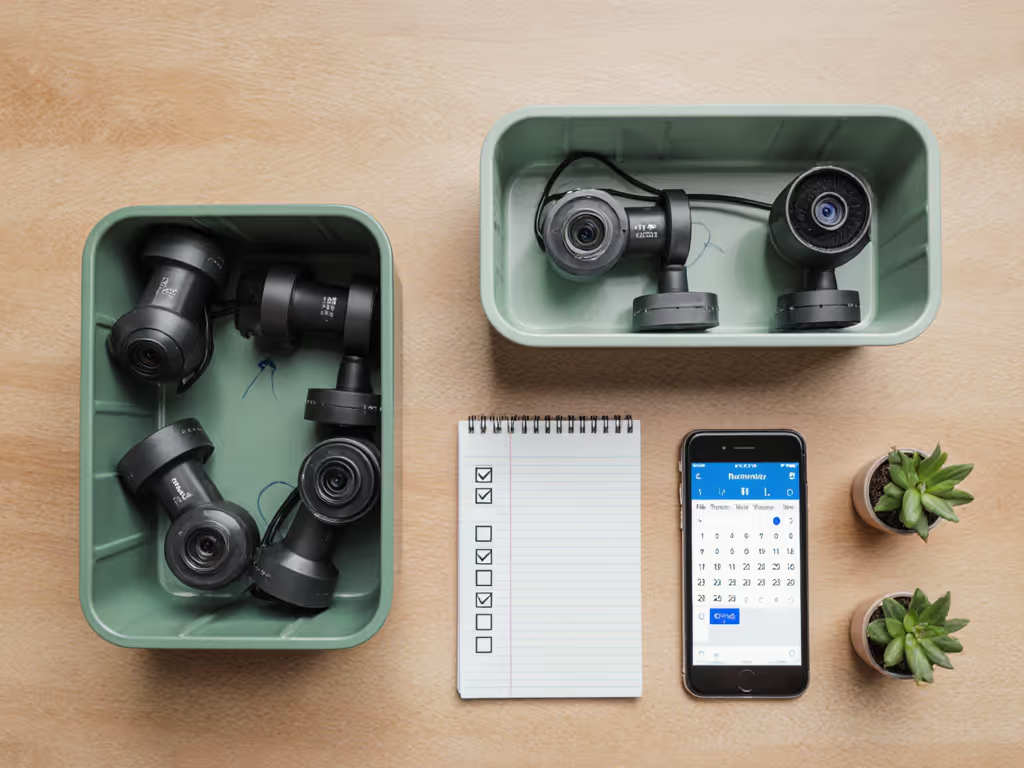
- Schedule your recycling drop-off within 7 days (I set calendar reminders for mine).
- Document your current setup so transitioning to your next webcam takes minutes instead of hours.
When you handle tech transitions this deliberately, you're not just being environmentally responsible, you're building production muscle memory that makes every future setup faster and more reliable. I've seen streamers reduce their "go live" time by 40% through this kind of intentional gear management.
The most professional streams I've tested share this truth: sustainability isn't an add-on, it's woven into their operational DNA. Every time you choose responsible disposal over convenience, you're voting for the kind of creative ecosystem you want to thrive in. And that kind of integrity? It shows through the lens.
If it fails live, it fails the brief. Full stop.
Your commitment to webcam sustainability creates ripple effects far beyond your stream, protecting the environment while strengthening your brand's authenticity. That's the kind of upgrade every creator can feel confident about.
Related Articles
Setup & Technical Fundamentals
Why Webcam USB Cables Impact Your Streaming Quality
3rd Mar•10 min read